Installation error
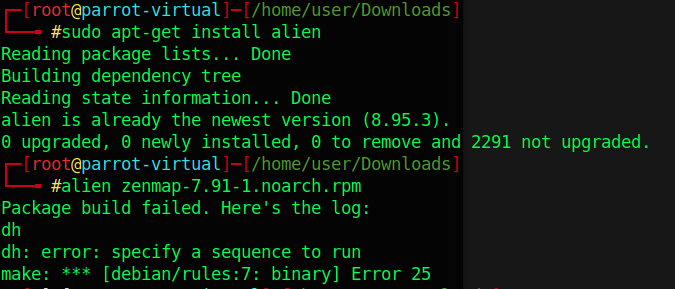
I encountered error: specify a sequence to run while trying to install zenmap on Parrot OS (using alien version 8.95.3)
Workaround
Downgrade and install alien 8.90 instead.
dpkg -i alien_8.90_all.deb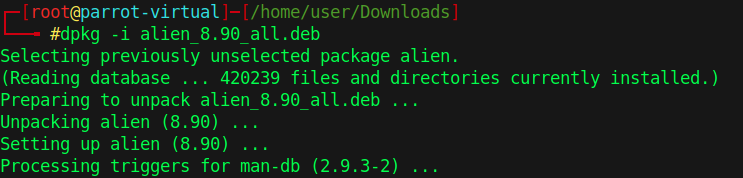
alien zenmap-7.91-1.noarch.rpm
Install zenmap
dpkg -i zenmap_7.91-2_all.deb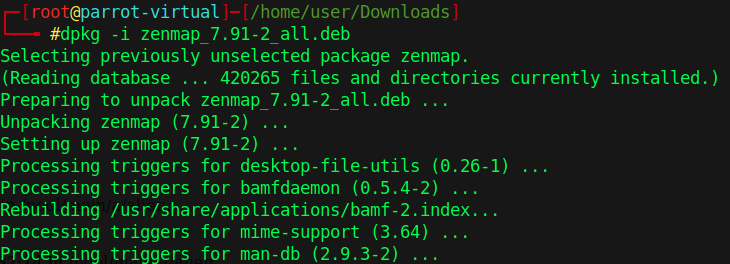
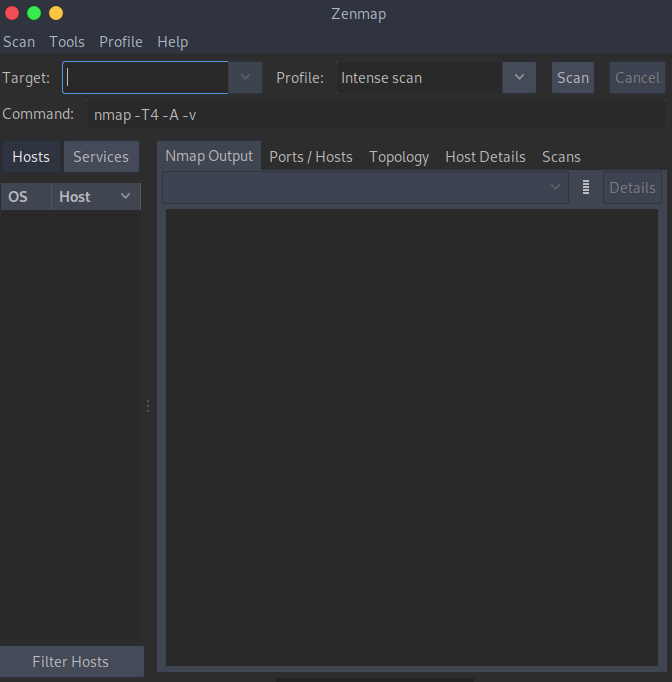
Open Zenmap
Comments
Join the discussionNo comments yet. Be the first to comment.