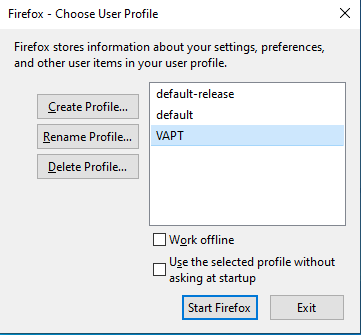
In order to separate VAPT tasks from other browser tasks, it is useful to create different profiles.
- Open Run.
firefox -no-remote -profilemanager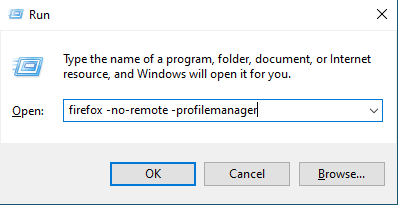
- Create profile.
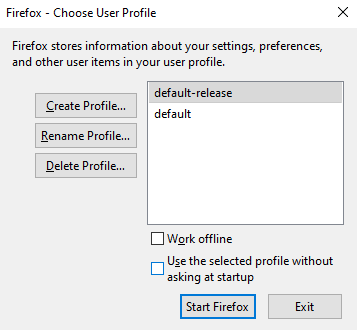
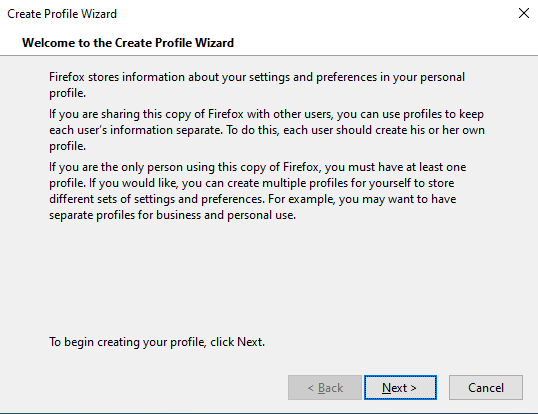
- Enter new profile name,
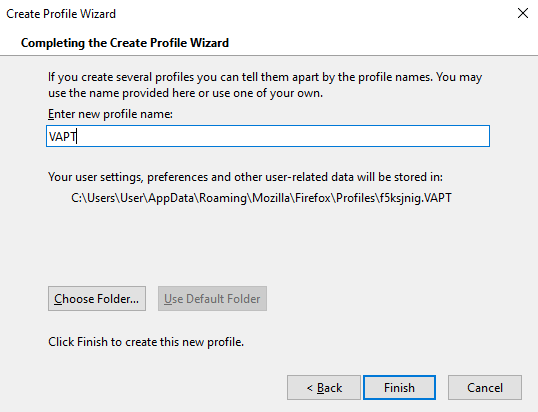
- Start Firefox.
- The profile settings can also be accessed by typing
about:profilesin the address bar.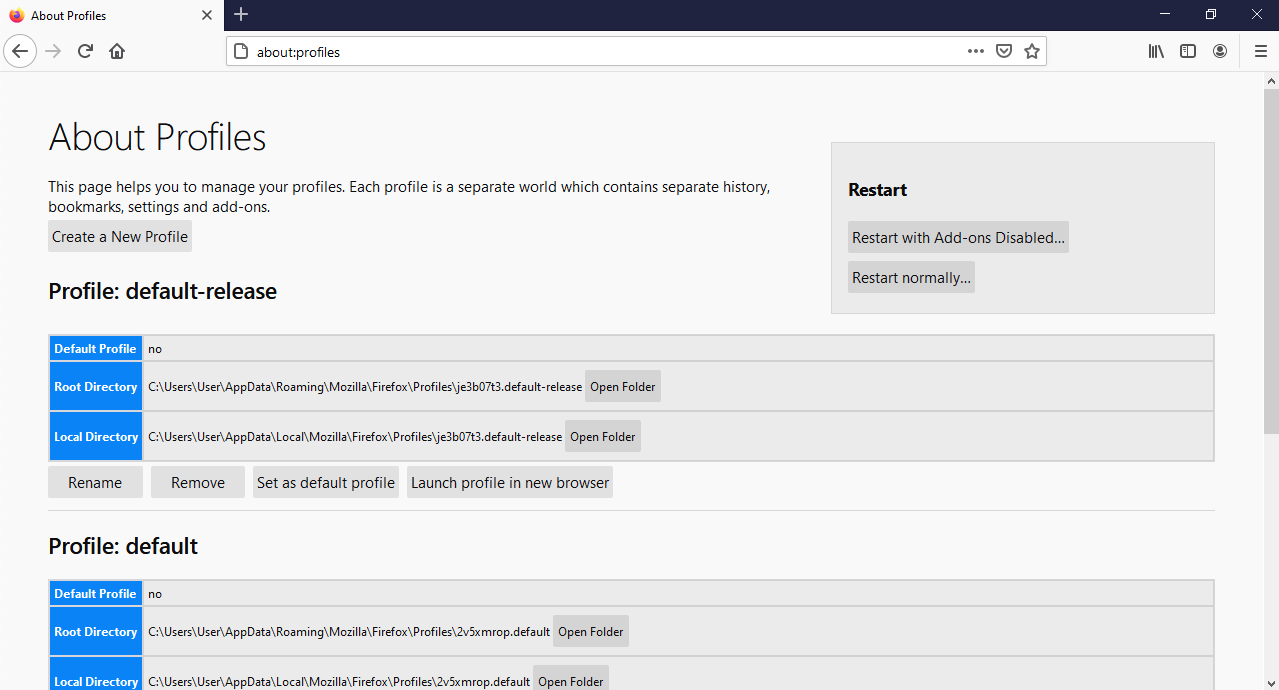
Browser Extensions
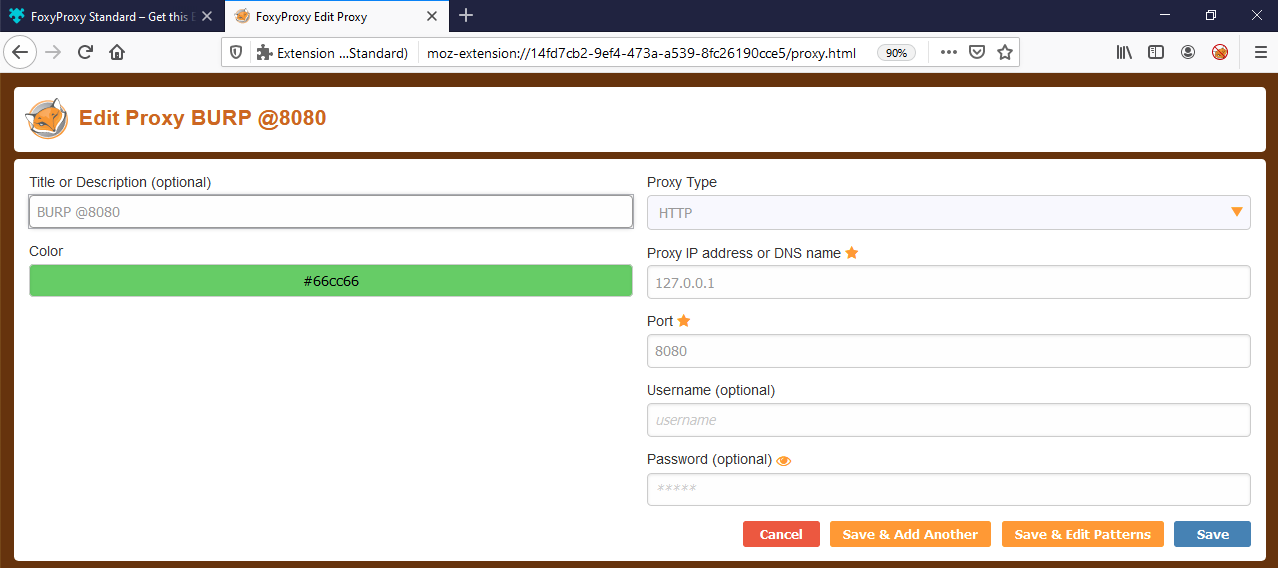
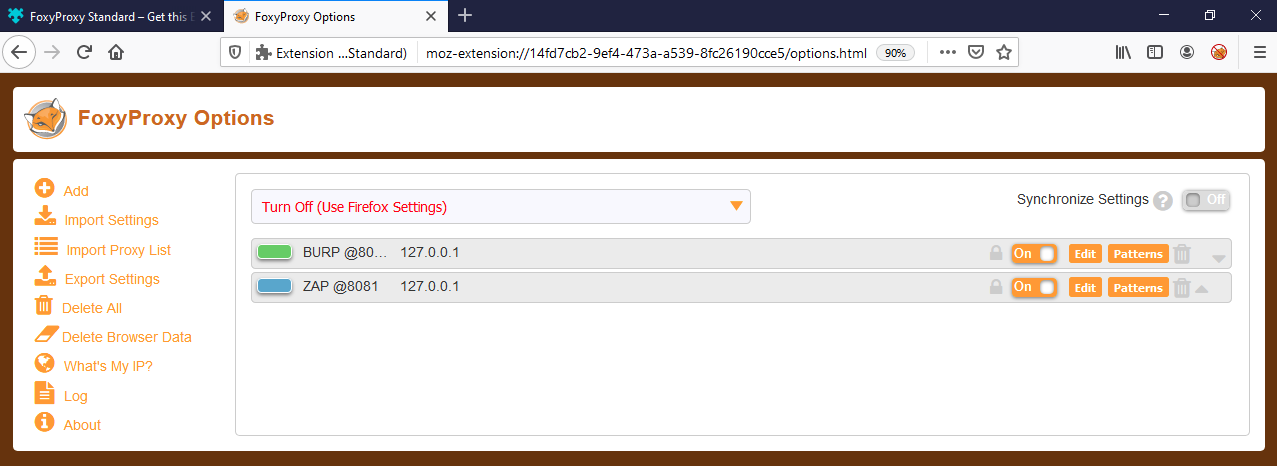
- FoxyProxy to switch between Burp and Zap.
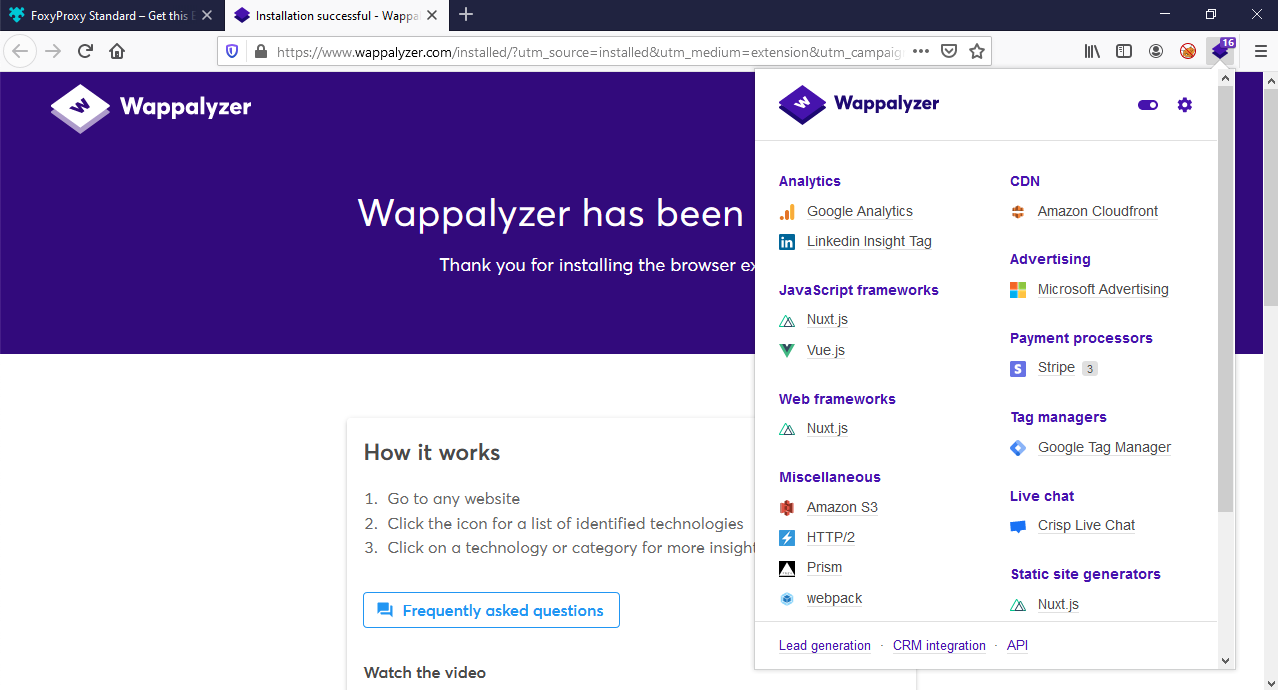
- Wappalyzer to find out the technology stack.
Comments
Join the discussionNo comments yet. Be the first to comment.